
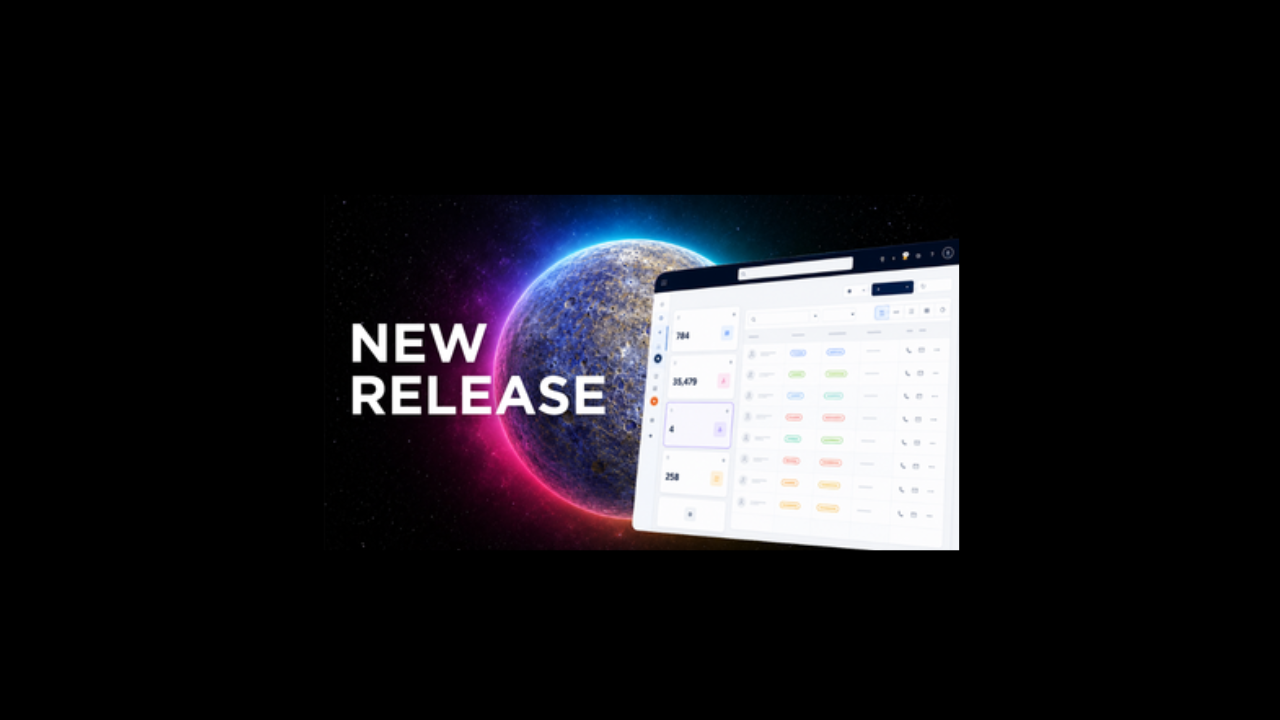
Introducing Workspace in Mercury
We're excited to introduce Workspace, a powerful new feature that changes how you interact with Mercury.
Workspace is your personal command centre, bringing together the information, tasks and actions that matter most to you in a fully customizxable environment. Whether you're focused on managing candidates, tracking activity, working through shortlists or prioritizing your daily workload, Workspace puts everything you need at your fingertips.
A New Way to Work in Mercury
Every user works differently. That's why Workspace has been built with flexibility in mind.
Rather than forcing everyone into the same layout, Workspace allows you to create a personalized view of Mercury that reflects how you work. Customise your tiles, choose colours that help you quickly identify key activities, and arrange your workspace to suit your own priorities and workflow.
Simply put, Workspace is your day, your way.
What is Workspace?
Workspace has been designed to improve the overall look, feel, usability and performance of Mercury, while giving users greater control over how they manage their day.
Think of it as your personalized dashboard, allowing you to:
• View the information most relevant to your role
• Prioritize daily tasks and actions
• Access important worklists and views faster
• Reduce clicks and streamline your workflow
• Create a workspace that reflects how you work best
Available at Launch
Workspace launches with support for:
• System and Personal Views
• Worklists
• Actionable Views, including Applicants and Shortlists
• Activity and Record Actions
Each tile acts as a powerful workspace component, helping you stay organized and productive throughout the day.
Key features you'll love
Create Up To 10 Tiles
Build a workspace that works for you with up to ten individual tiles, each representing different views, worklists and activities.
Personalise Everything
Rename tiles to match your own terminology and working style.
Choose from a range of colours to visually separate key areas of focus and make navigation quicker and your layout
Layout
Drag, resize and reposition tiles anywhere on the screen to create the layout that best supports your workflow.
Expand and take action
Need more detail?
Expand tile contents to view individual records and take action directly in Workspace, helping you move from insight to action faster.
Reset when needed
If you've experimented with different layouts, the Reset Layout option allows you to return to the first tile configuration you created, without losing your preferred setup entirely.
Take a Tour
To help you get started, we've created a guided demonstration showcasing the key features and capabilities of Workspace. Click here to watch.
Can't See Workspace?
Workspace is available to all Mercury System Administrators, who can then enable the feature for their users.
If Workspace isn't currently visible within your Mercury environment, please contact your Mercury Customer Success Manager who can help with activation and setup.